Select Version of EA Desktop:
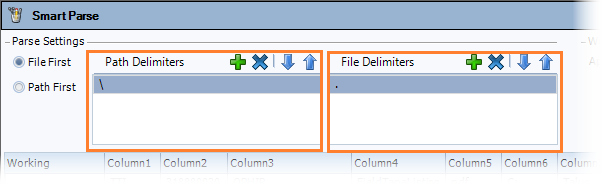
Smart Parse extracts text as metadata from the file name and the file path. The metadata displays in a grid for you to access and assign to different columns. You can set the parameters for the delimiters and adjust how the metadata parses into the columns.
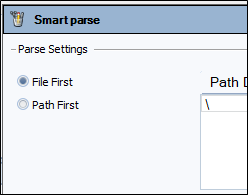
The metadata extracts from the file name and the file path. Under Parse Settings, select which one you want to display first (left-most) in the grid.
Determine how you want the file path and the file name to be segregated. Specify the delimiters for Smart Parse to use by adding them to Path Delimiters and File Delimiters fields.
If required, enter multiple delimiters. For example, enter .- to parse the metadata according to periods and hyphens.
Click the arrows to adjust the order of the delimiters.
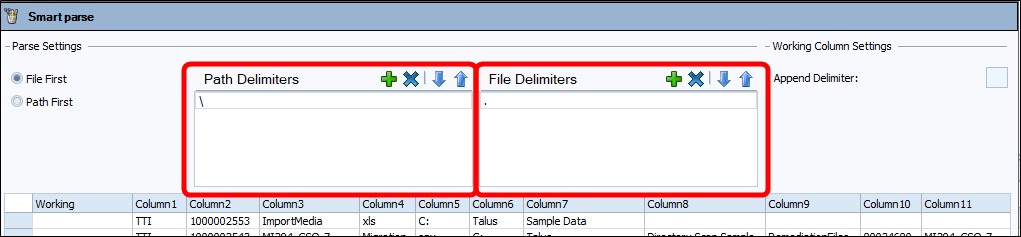
Smart Parse extracts text as metadata from the file name and the file path. The metadata displays in a grid for you to access and assign to different columns. You can set the parameters for the delimiters and adjust how the metadata parses into the columns.
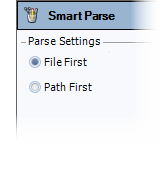
The metadata extracts from the file name and the file path. Under Parse Settings, select which one you want to display first (left-most) in the grid.
Determine how you want the file path and the file name to be segregated. Specify the delimiters for Smart Parse to use by adding them to Path Delimiters and File Delimiters fields.
If required, enter multiple delimiters. For example, enter .- to parse the metadata according to periods and hyphens.
Click the arrows to adjust the order of the delimiters.